
PromptFy Web
Turn a blog post into a video script
Turn a blog post into a spoken video script with a worked example and an AI prompt. Rehearse your adapted text and record it using PromptFy Web.
Choose one promise from the article
Do not begin by compressing every heading into one sentence. Choose a question the video will answer and underline the source passages that support it. If the article covers lighting, microphones, and framing, make the first video about one lighting adjustment. Keep a note of the original URL and publication date so you can recheck details when revising the video later.
Compare written and spoken versions
Original example: “Positioning the subject adjacent to a window can provide softer illumination, although direct sunlight may require diffusion.” Spoken version: “Stand beside a window. If the sun hits your face directly, soften it with a curtain. Check the picture before you record.”
The spoken version keeps the condition about direct sun while making the action easier to follow. It does not claim every window produces perfect lighting. Add a shot note outside the spoken text: show the face before and after moving beside the window.
Use this adaptation brief with AI
Adaptable prompt: “Turn the following passage into a short spoken explanation for a first-time creator. Keep the factual conditions and any uncertainty. Use one practical example and one closing action. Do not invent statistics, customer stories, or product capabilities. Mark any missing information as a question. Source passage: [paste text].”
You can use that brief when working with an available script-generation tool, then save and edit the result in PromptFy. Check current generation access in the app. Pasting a URL is not the same as supplying the article text or authorizing an automatic fact check.
Read, time, and correct the draft
Read the text aloud at your normal pace. Replace words you would not say and split sentences that make you lose your breath. Compare every number and qualification with the source. A target duration is a rehearsal aid; the actual take decides the timing. If the explanation runs long, remove a secondary point rather than speaking faster through the useful example.
Record a complete small example
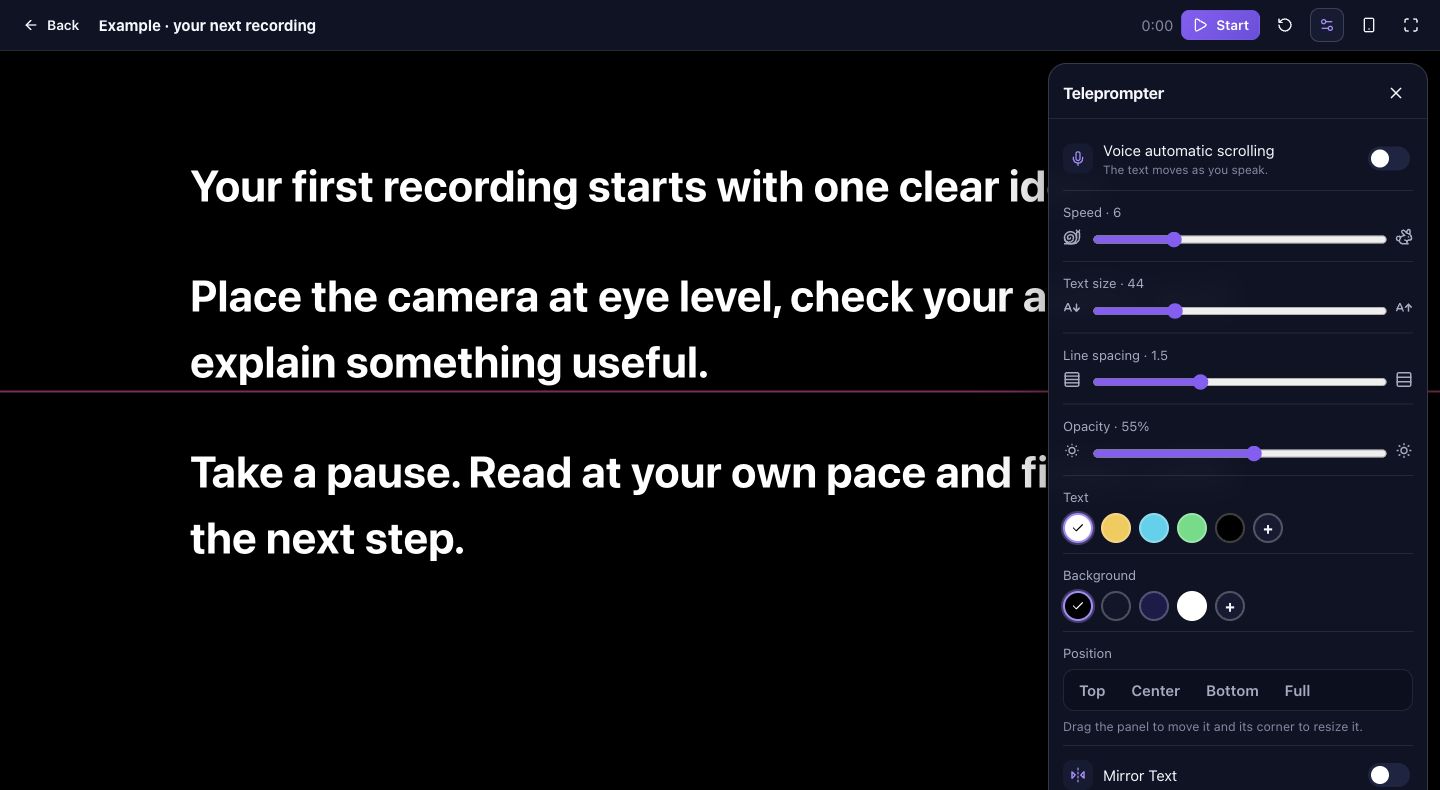
Open the saved script in the web teleprompter, set a comfortable reading panel, and record a test. For the window example, include the visible adjustment and the instruction to check the picture. Review the exported result if you edit it on the timeline. Keep the article link in your publishing notes so viewers can find the fuller explanation wherever you publish.
Frequently asked questions
Does an article become a finished video automatically?
This is an adaptation and recording workflow. It does not promise automatic URL importing, stock footage selection, or a finished video from a link.
Should I include every point from the article?
Use one clear point for the first video. The remaining sections can become separate explanations when each has its own useful example.
Can I adapt without AI?
Yes. Choose the passage, rewrite it for speech, verify the facts, and save the text before rehearsing in the teleprompter.

Try your next workflow in PromptFy Web
Open the browser app to check the tools and access available to your account.
Create, organize, and reuse video scriptsOpen PromptFy Web