
Script reading time calculator
Paste the spoken part of your script and set your speaking pace to estimate its duration. The calculator divides the word count by words per minute. It does not predict pauses, demonstrations or delivery changes, so time a rehearsal before committing to a recording length.
Prepare a useful input
Use the words you actually intend to say or display. Remove production instructions, timestamps and comments that are not spoken. Keep names, numbers and technical terms visible so you can check them during rehearsal. Short paragraphs make it easier to identify a sentence that needs another pass. These tools work on the text in this page and do not upload that text to a server.
Check the result in context
Treat a calculated result as a preparation aid. Speaking pace changes when you explain a difficult idea, show an object or leave space for a viewer to read. Caption readability also depends on the screen, font, contrast and background. Read the script aloud and preview the video on a phone. Adjust the wording before changing the speed simply to fit a deadline.
Move from rehearsal to recording
Once the text feels natural, keep a copy in your own notes and use it in your recording workflow. This page does not store scripts between visits. PromptFy combines scripts, teleprompter recording, captions and editing on iPhone and in Chrome or Edge on desktop. Review current plan details and device requirements before choosing the product. Rehearsing here does not start a subscription or a trial.
Your script. Your voice. Your finished video.
Prepare a script, record with a teleprompter and finish with captions and an editable timeline. Start on iPhone or directly in Chrome or Edge on your computer.
Prepare
Write and organize your scripts. Use AI when you need a starting point.
Record
Keep your script close to the camera with teleprompter recording.
Finish
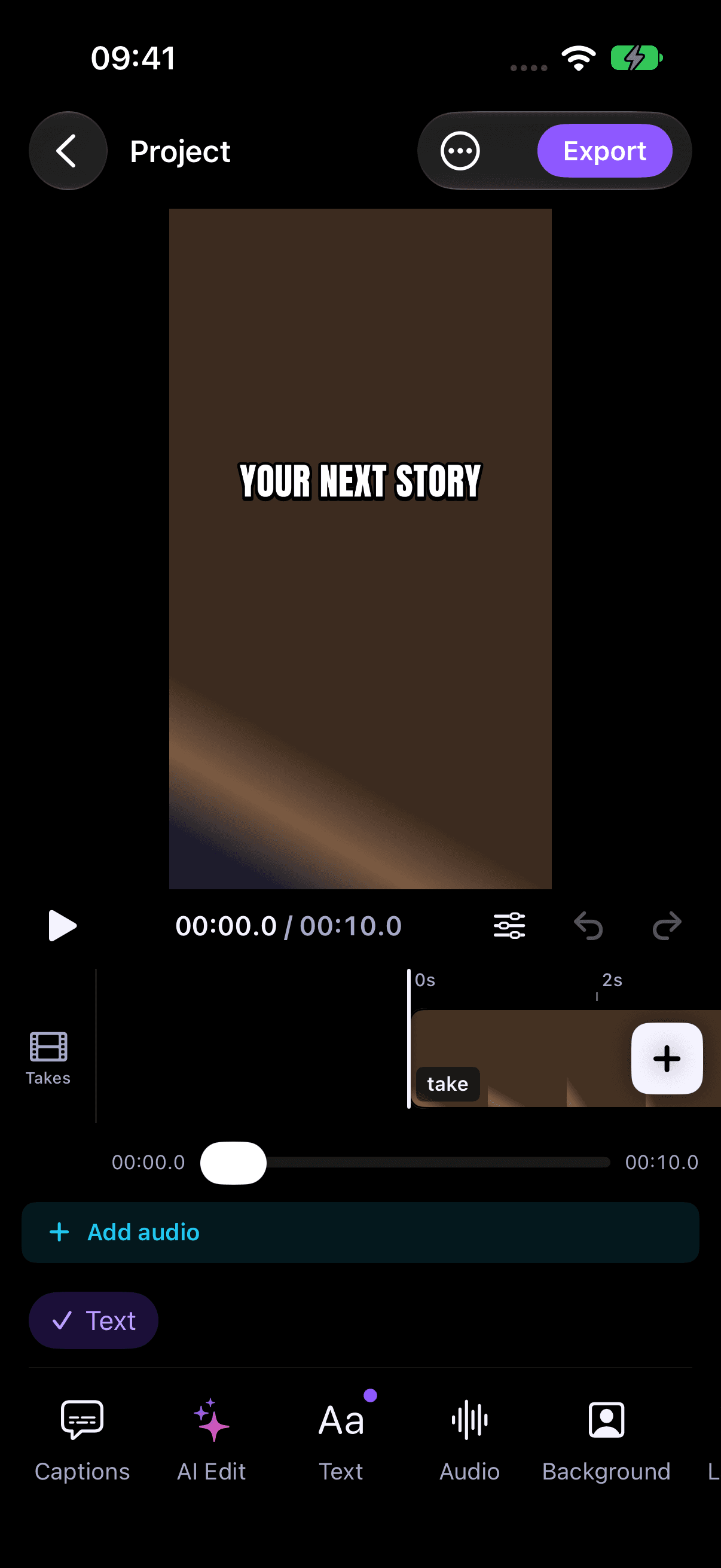
Review captions and shape your take in the video editor.
No iPhone required. Start directly on the web; recordings stay in the browser where you create them.
Frequently asked questions
Do I need an account?
No. These preparation tools work without a login. Your text stays in the page and is not saved between visits.
Is the result a guarantee?
No. Rehearse and review the finished video. Timing estimates and line targets do not guarantee an exact duration or readability on every screen.
Ready to record your script?
These free tools help you prepare. For camera recording, captions and editing, open the full PromptFy web app and review the available plans.