
Teleprompter alternatives for your recording workflow
Compare PromptFy with BIGVU, PromptSmart Pro and Teleprompter Pro using dated official sources, practical recording checks and honest reasons to choose each.
Your script. Your voice. Your finished video.
Prepare a script, record with a teleprompter and finish with captions and an editable timeline. Start on iPhone or directly in Chrome or Edge on your computer.
Prepare
Write and organize your scripts. Use AI when you need a starting point.
Record
Keep your script close to the camera with teleprompter recording.
Finish
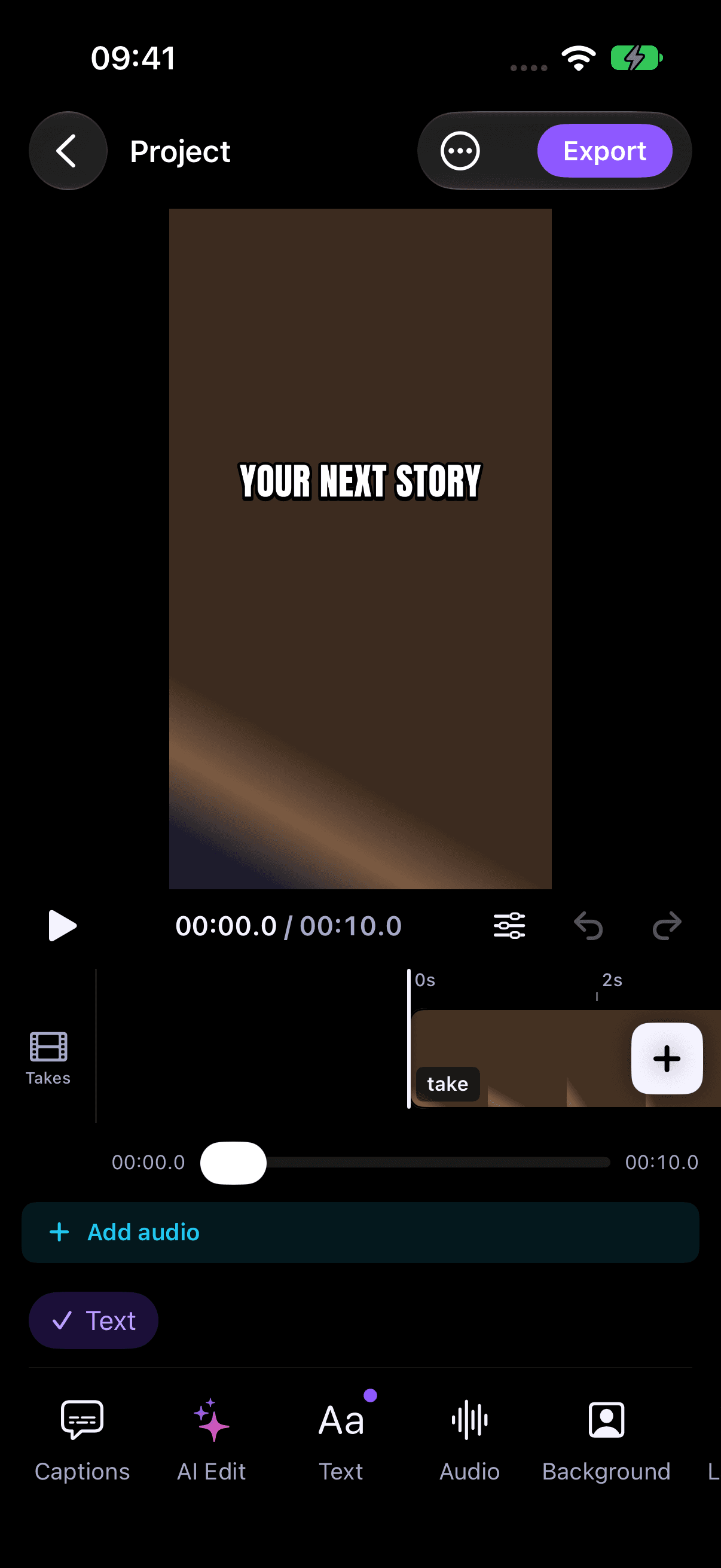
Review captions and shape your take in the video editor.
No iPhone required. Start directly on the web; recordings stay in the browser where you create them.
PromptFy vs BIGVU
Browser recordingPromptFy: Desktop Chrome/Edge recording with teleprompter
Compare the workflowsPromptFy vs PromptSmart Pro
Prompting modesPromptFy: Voice-following, fixed speed and manual scrolling
Compare the workflowsPromptFy vs Teleprompter Premium
External controlsPromptFy: Apple Watch control and voice commands on iPhone
Compare the workflowsRequirements and limitations
PromptFy supports iPhone and desktop Chrome/Edge. Check compatibility and plan allowances; this comparison does not establish Android availability or guarantee a feature in every subscription. Competitor facts are limited to the linked official description on the stated date. We have not presented these source reviews as hands-on tests.
PricingReady to record your script?
Prepare a script, record with a teleprompter and finish with captions and an editable timeline. Start on iPhone or directly in Chrome or Edge on your computer.