
PromptFy vs PromptSmart Pro
Choose a teleprompter by the recording task you need to finish, the devices you own and the controls you use. PromptFy combines preparation, recording, captions and editing on iPhone and desktop browsers. You can start in Chrome or Edge without an iPhone. Compare the sourced difference below, then rehearse the same short script before purchasing.
Checked:
Your script. Your voice. Your finished video.
Prepare a script, record with a teleprompter and finish with captions and an editable timeline. Start on iPhone or directly in Chrome or Edge on your computer.
Prepare
Write and organize your scripts. Use AI when you need a starting point.
Record
Keep your script close to the camera with teleprompter recording.
Finish
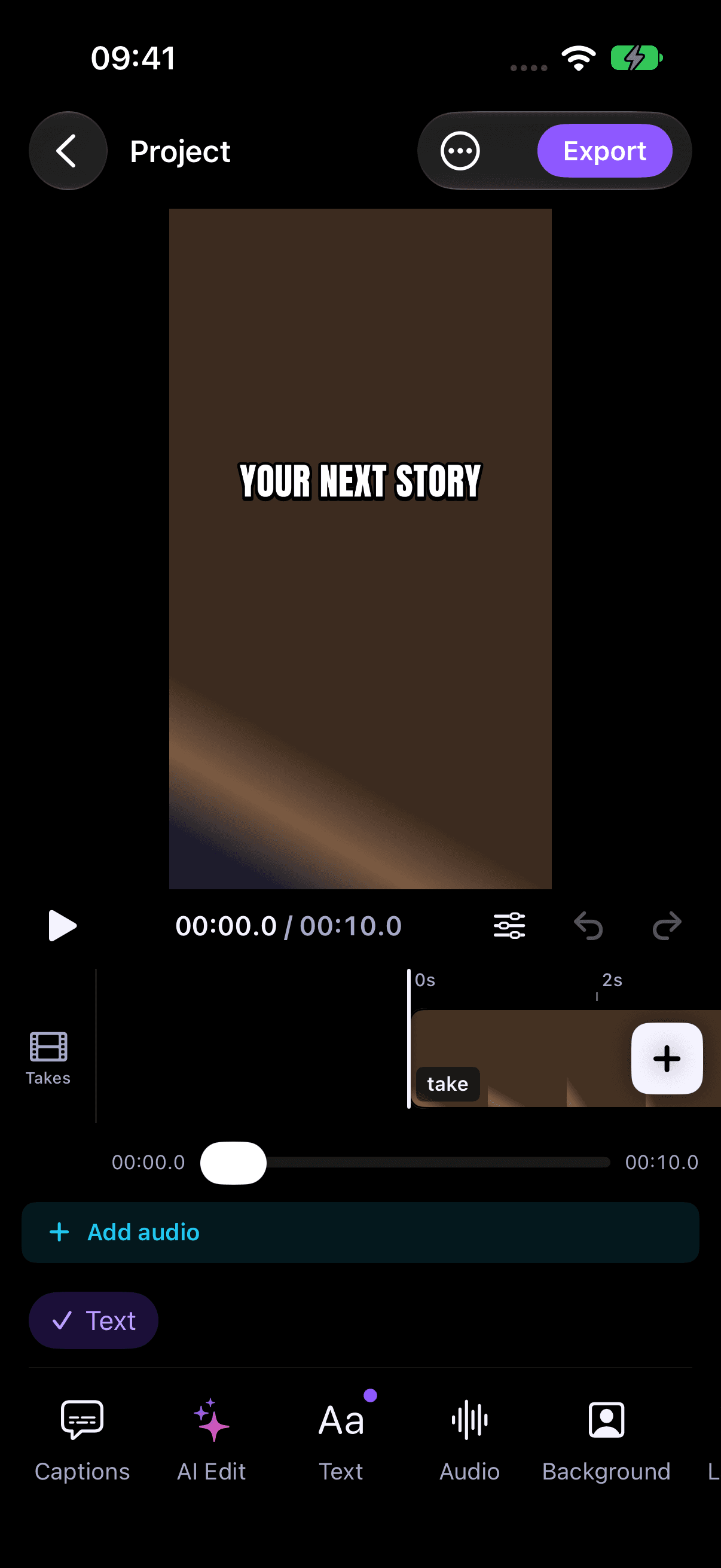
Review captions and shape your take in the video editor.
No iPhone required. Start directly on the web; recordings stay in the browser where you create them.
When to choose PromptFy
Choose PromptFy when you want script preparation, teleprompter recording, caption review and a video timeline within the same product on iPhone and desktop Chrome or Edge. Check plan allowances and test your own recording environment first. You can start directly in the browser without an iPhone, then use the same account and plan on both platforms if you need them.
Verified product differences
| Criterion | PromptFy | PromptSmart Pro | Official source |
|---|---|---|---|
| Prompting modes | Voice-following, fixed speed and manual scrolling | VoiceTrack voice scrolling; listing specifies English support | Official source Checked: |
When to choose the other app
Consider PromptSmart Pro for an English VoiceTrack prompting setup or document import. Its App Store description lists voice-controlled scrolling and PDF, Word and text import. Test the script language you actually use.
A practical test before you subscribe
Define the recording you need
Write down one concrete outcome: a spoken product demonstration, a course introduction or a short opinion video. List the camera, microphone, script language and final aspect ratio you expect to use. Decide whether you need a dedicated prompting display, a phone recording session or a desktop browser workflow. This makes the comparison useful: a feature that solves a studio setup may be irrelevant to a creator recording alone on a phone.
Use the same rehearsal script
For example, write a short demonstration with an opening sentence, one observable benefit, a pause to show the product and a closing instruction. This is a suggested test, not a customer result. Include a name and a number that you often say. Rehearse this exact text in each product you are considering. Check whether you can pause comfortably and recover your place after changing a sentence. Do not infer voice-following quality from a feature label.
Check framing and input together
Set your device at the distance you intend to use. Read a paragraph while watching the camera, then review whether your eye movements are acceptable for that shot. A larger font or narrower text column can change the result. Check microphone selection and permissions before recording a longer take. If you rely on a remote or prompting glass, verify the exact accessory and app mode rather than assuming that all controls work in every screen.
Review the finished take
After rehearsal, record a short take and review the beginning, a pause and the ending. Listen for clipped words and inspect the image before comparing additional editing features. If captions are part of your workflow, check names, punctuation and line placement on a phone-sized preview. Keep your original recording. A successful test means the specific task worked in your environment; it is not a benchmark proving one product performs better for every creator.
Compare the actual offer
Before subscribing, open the current purchase screen for your region. Note the billing period, renewal total, cancellation conditions and any limits that affect the task. An app being free to download does not make all recording, caption or AI functions free. This page does not reproduce competitor prices because offers can vary by account, platform and date. Use the linked official source and confirm the purchase terms immediately before you choose.
Keep a decision you can revisit
Record which device and app version you tried, what your script required and the limitation that mattered most. If the alternative handles a specialized control you need, that may be the deciding factor even if you prefer another editor. If you want preparation through finishing in the same product, evaluate the whole path rather than counting features. Save your test script so that a future update can be assessed against the same task without relying on memory.
Requirements and limitations
PromptFy supports iPhone and desktop Chrome/Edge. Check compatibility and plan allowances; this comparison does not establish Android availability or guarantee a feature in every subscription. Competitor facts are limited to the linked official description on the stated date. We have not presented these source reviews as hands-on tests.
PricingFrequently asked questions
Which app is best for everyone?
There is no universal choice. Rehearse your actual script on your own device and compare the controls and finishing steps you need.
Are competitor prices fixed here?
No. Check the current official purchase screen for your region, billing period and account before subscribing.
Ready to record your script?
Prepare a script, record with a teleprompter and finish with captions and an editable timeline. Start on iPhone or directly in Chrome or Edge on your computer.