
AI tools for creators
MCP for creators: connect AI to your video workflow
Learn what MCP does, how AI assistants connect to creative tools, and how to turn a conversation into a reviewable video script.
 PromptFy
From a request to a recording
- 01
Ask
Describe the audience, message and length to the assistant.
- 02
Connect and review
Authorize a trusted integration and check the draft and proposed action.
- 03
Rehearse
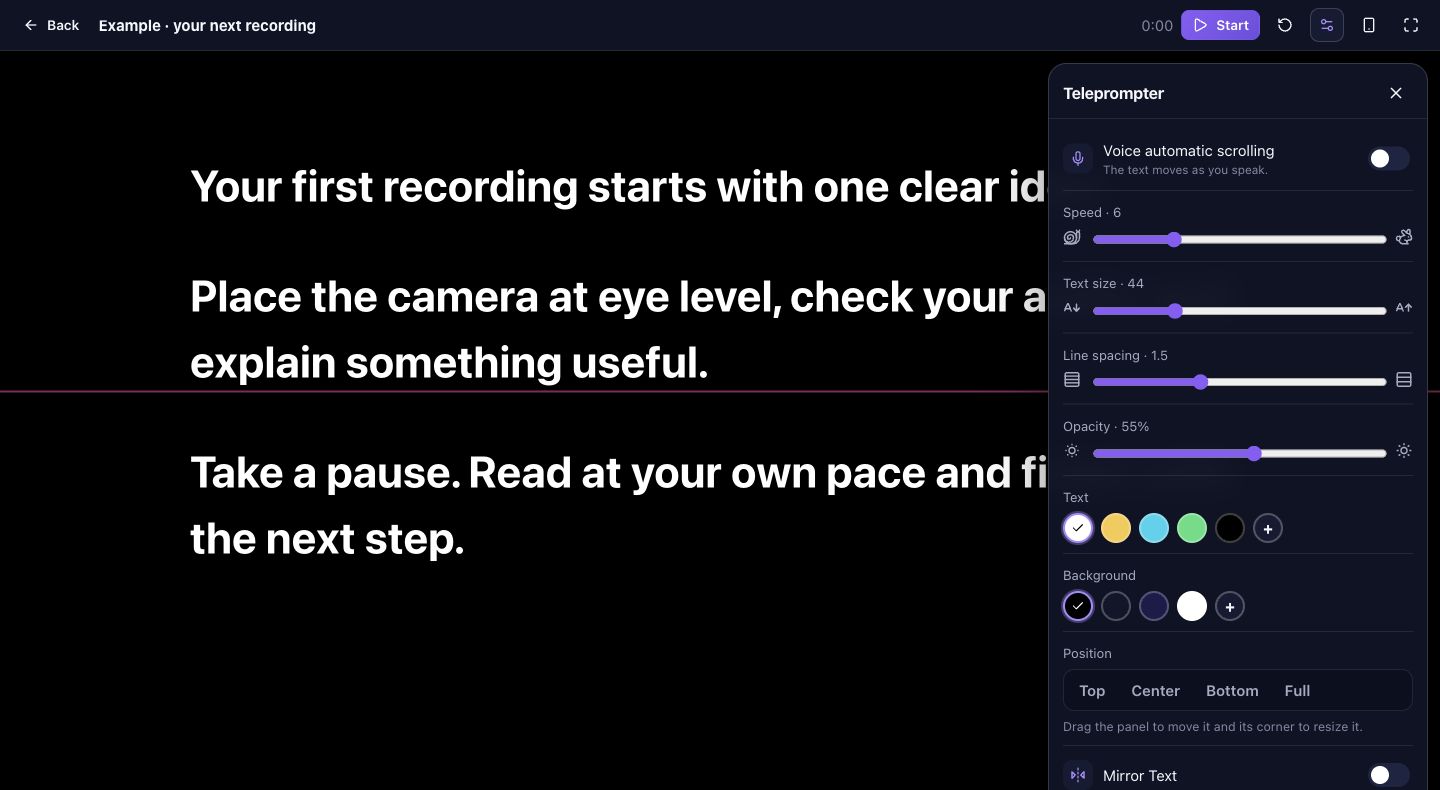
Open the saved script in your teleprompter and record a test.
What is MCP?
MCP is a shared way for an AI application to discover and use capabilities offered by a server. The assistant is the host; the MCP server exposes supported tools. A tool can retrieve information or request an action, depending on its design and the permissions granted.
A connection does not automatically give every assistant every feature. The service, the host, your account and workspace settings determine which actions are available.
A practical video script example
Example: imagine a creator preparing a 45-second video explaining how to organize a desk. Start with a draft request, review the answer, and only then ask the connected tool to save it. Replace the audience and facts with your own.
Prompt to adapt: “Draft a 45-second video script for first-time home-office workers about keeping a charging cable within reach. Start with the problem, show one practical step and end with a question. Use conversational language. Show me the draft before saving it. Once I approve, create a script titled Cable setup in PromptFy.”
Check the assistant’s proposed action and confirm that the saved title and text match your approved version. If saving is unavailable or fails, copy the reviewed text into your script editor and verify it there. Rehearse aloud; revise claims and timing before recording.
Connect an assistant and check availability
In ChatGPT, find the app or plugin in Settings → Plugins, connect the intended account and review the requested permissions. Availability varies by plan, region and workspace. You can then select the connected app in a supported conversation.
The PromptFy listing submitted to Claude’s directory was still in review on November 4, 2026; do not assume it is publicly available there. Check the directory for its current status. Claude also supports custom remote connectors, but their availability and setup depend on the account and server.
After connecting, start with a low-risk request such as listing your scripts. For an action that changes content, inspect the proposed target and text, approve it when prompted, and check the result in PromptFy.
Permissions and troubleshooting
Use a trusted connector and sign in to the account that contains the intended work. Review the requested access and any confirmation before allowing changes. Disconnect the integration in the assistant’s settings when you no longer need it; consult the provider’s account controls separately.
If a tool is missing, check that the integration is available for your account, connected and enabled in the conversation. Verify the correct account and workspace. If a request fails, retry a simple read before making changes, and inspect the service for a previous result to avoid duplicates.
Frequently asked questions
Is MCP an AI model?
No. MCP is a protocol for connecting AI applications to external tools and context; it is not itself a model.
Does connecting an app let it do anything?
No. Actions depend on the tools exposed, the connected account’s permissions and the assistant’s controls. Review requested access and approvals.
Is PromptFy approved in Claude?
Its directory submission was in review on November 4, 2026. Check the Claude directory for the current status.

Try your next workflow in PromptFy Web
Subscribe on the web and start creating today. One plan works on iPhone and on the web; cancel anytime in your account.
Create, organize, and reuse video scriptsSee plans