
PromptFy Web
How to record online course lessons in your browser
Record course lessons in your browser with a practical script template. Use PromptFy Web to rehearse, record, edit, and review your first teaching video.
Build a lesson around a visible result
Use a concrete objective: “By the end, you can calculate the unit price of two packages.” This gives you a test for every sentence. Keep the package sizes, prices, and calculation visible in your preparation notes. A lesson about all shopping decisions would need several different explanations; this one needs a comparison the learner can repeat.
Adapt this teaching script
Example: “Which package costs less per unit? This pack has four notebooks for twelve dollars. Divide twelve by four: each notebook costs three dollars. This other pack has six for fifteen. Fifteen divided by six is two dollars fifty. The second pack has the lower unit price. Now compare three notebooks for nine dollars with five for ten.”
The exercise answer is three dollars versus two dollars per notebook. Say the units as well as the numbers. Replace the currency and objects for your audience, and check the arithmetic again after any change.
Prepare the browser recording
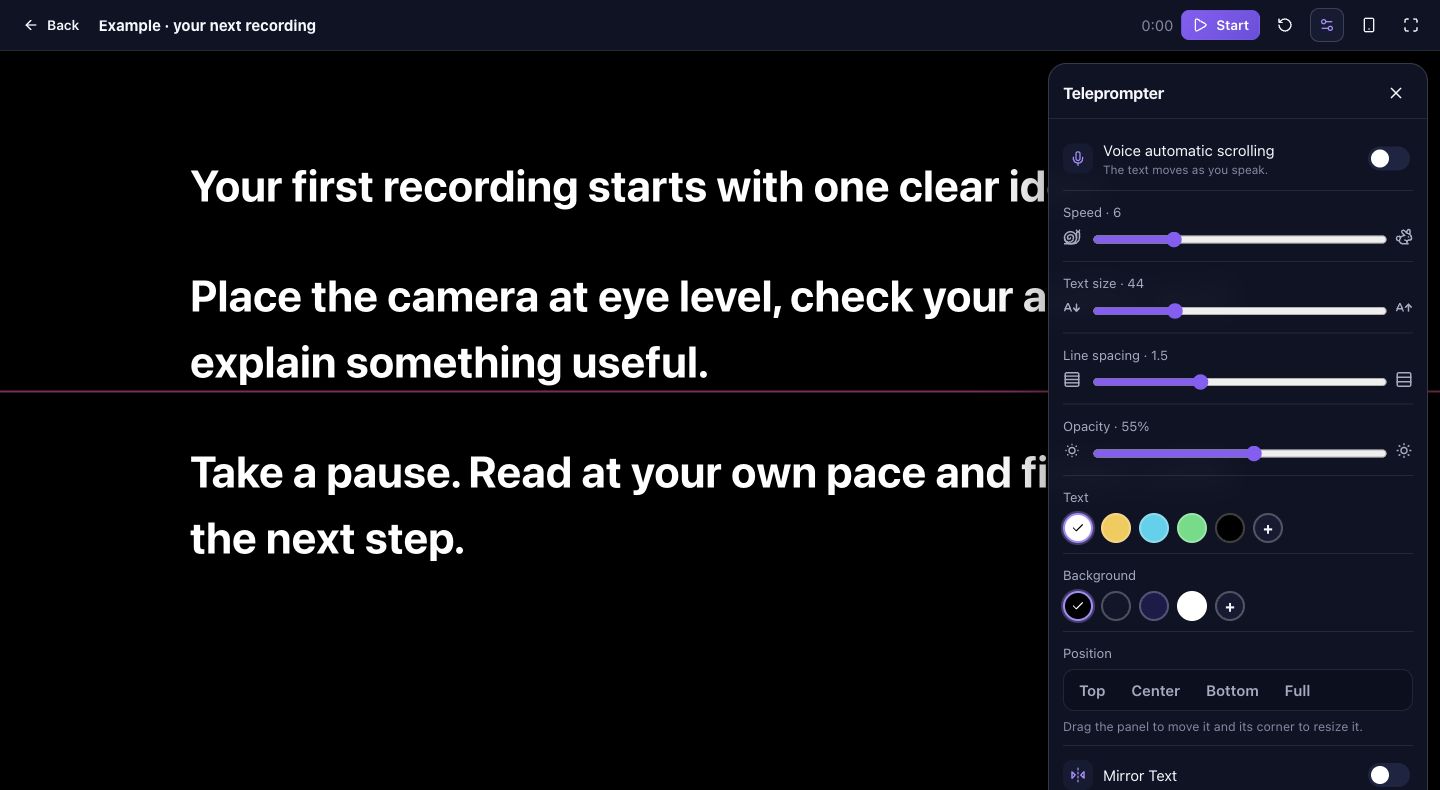
Save the spoken text in PromptFy Web and rehearse with the teleprompter near your webcam. Keep the exercise answer separate until the learner has time to try. Test camera and microphone permissions, then play back a short take. If you need a screen demonstration, record that source with a suitable screen capture tool and import the resulting file into the editor.
Edit around thinking time
Record the explanation and the exercise as manageable takes. In a web project, arrange the useful takes on the timeline and trim setup pauses. Leave a deliberate pause after the exercise instead of cutting every silence. For the notebook example, check that each spoken price matches the package being shown; a smooth edit can still teach the wrong comparison.
Check the lesson as a learner
Watch the exported test without consulting your script. Can someone identify the two quantities, follow the division, and solve the exercise? Correct captions for numbers and units when using transcription. Export and download the finished lesson, and keep an editable project copy. Use your chosen course platform for delivery: course hosting and student assessment are separate from making the video.
Frequently asked questions
Can I record lessons with a laptop webcam?
Yes, the web recording flow uses a compatible browser and permitted devices. Check a short recording before recording the full lesson.
Does PromptFy host the course?
This workflow produces the lesson video. Upload the exported file to the course platform you use for students.
Should I record the entire course at once?
Finish one representative lesson first. Check audio, legibility, pacing, and export before repeating the setup for more lessons.

Try your next workflow in PromptFy Web
Open the browser app to check the tools and access available to your account.
Create, organize, and reuse video scriptsOpen PromptFy Web